01
Solve a message
A designer is not only decorating. They ask: who is this for, and what should they notice first?
Graphic design studio notes
This is Asogo Ferdinand’s graphics world — a place to learn how pictures, color, and letters work together. Graphic design is the craft of arranging shapes, color, pictures, and words so a message is easy to see and easy to understand.
Learn with Asogo Ferdinand
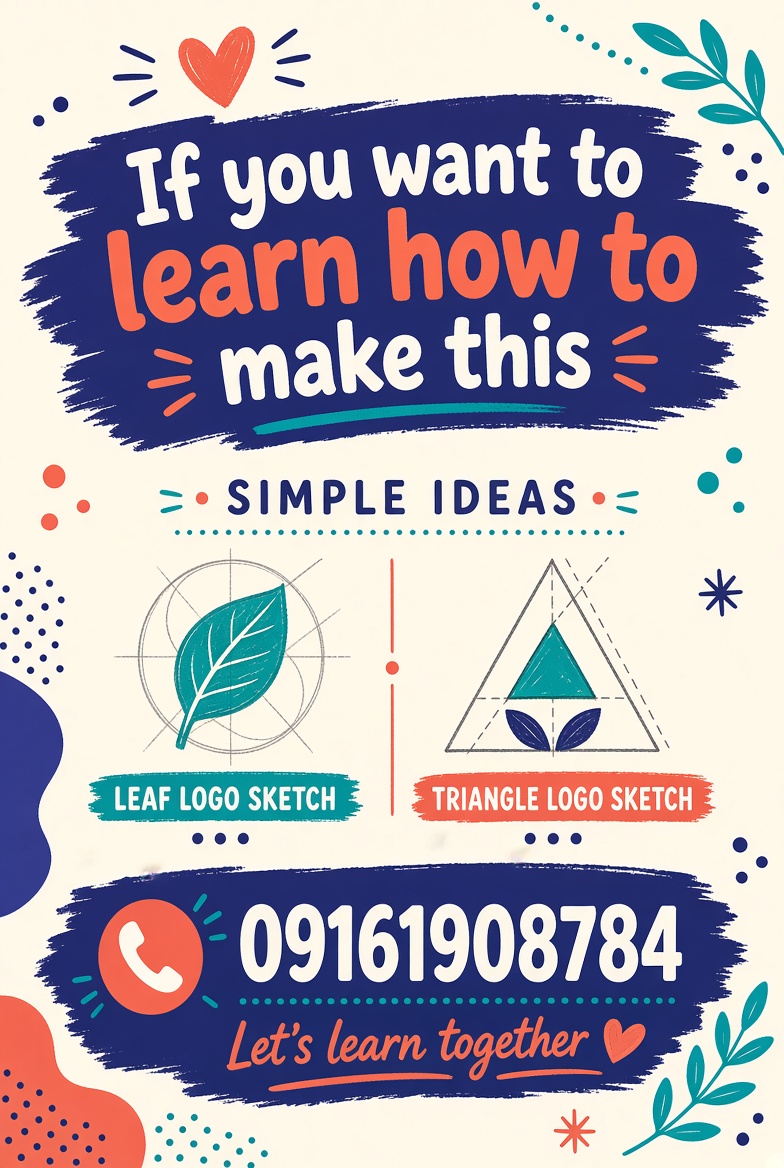
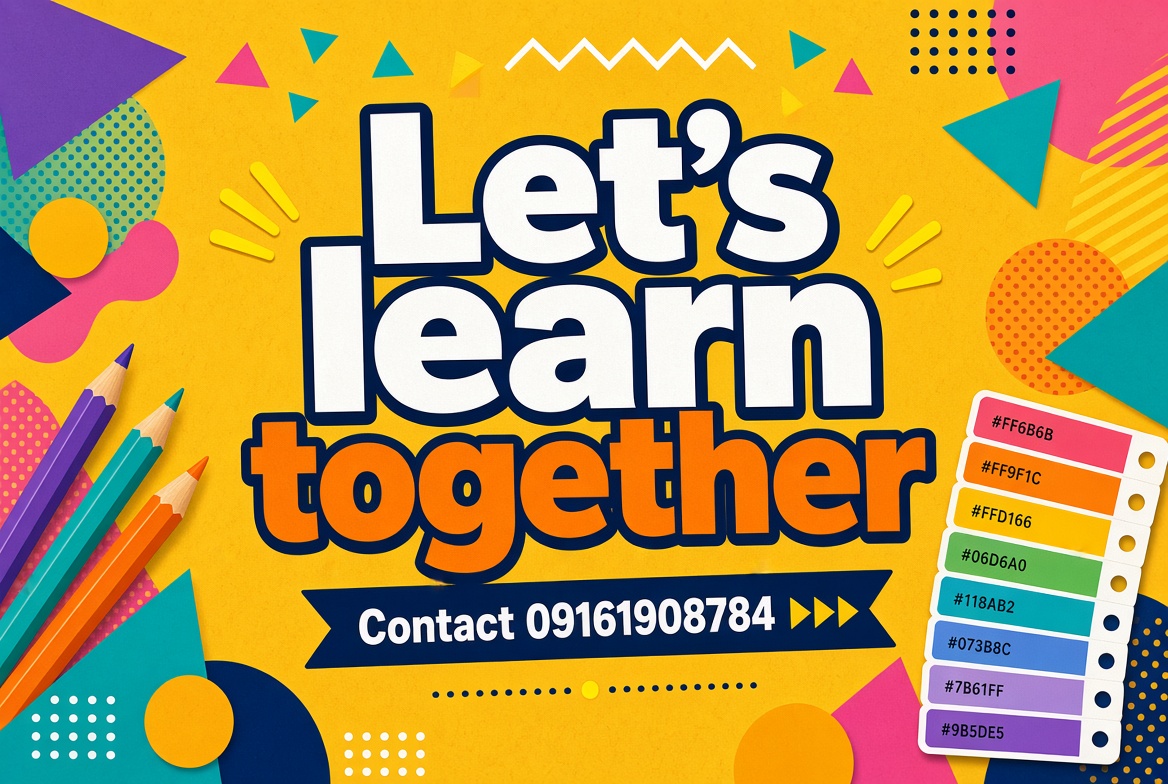
Contact 09161908784 and let's learn together. These posters show the kind of work you can practice: color, type, logos, and layout.
The job
A designer is not only decorating. They ask: who is this for, and what should they notice first?
Type, photos, icons, and empty space are placed on purpose. Empty space is a tool, not a mistake.
A good design can be read quickly, works in more than one size, and still looks clear in black and white.
The rules that travel
Big next to small, dark next to light, thick next to thin. Contrast tells the eye where to land.
Line things up. A shared left edge makes a page feel calm even when the pictures are bold.
One title, one supporting line, then the details. If everything shouts, nothing is heard.
Reuse the same colors, corner style, and type sizes. Repetition makes a set of designs feel like one family.
A heavy shape on the left needs something on the right, or lots of open space, so the page does not tip over.
Things that belong together should sit together. Space between groups is how you separate ideas.
Color
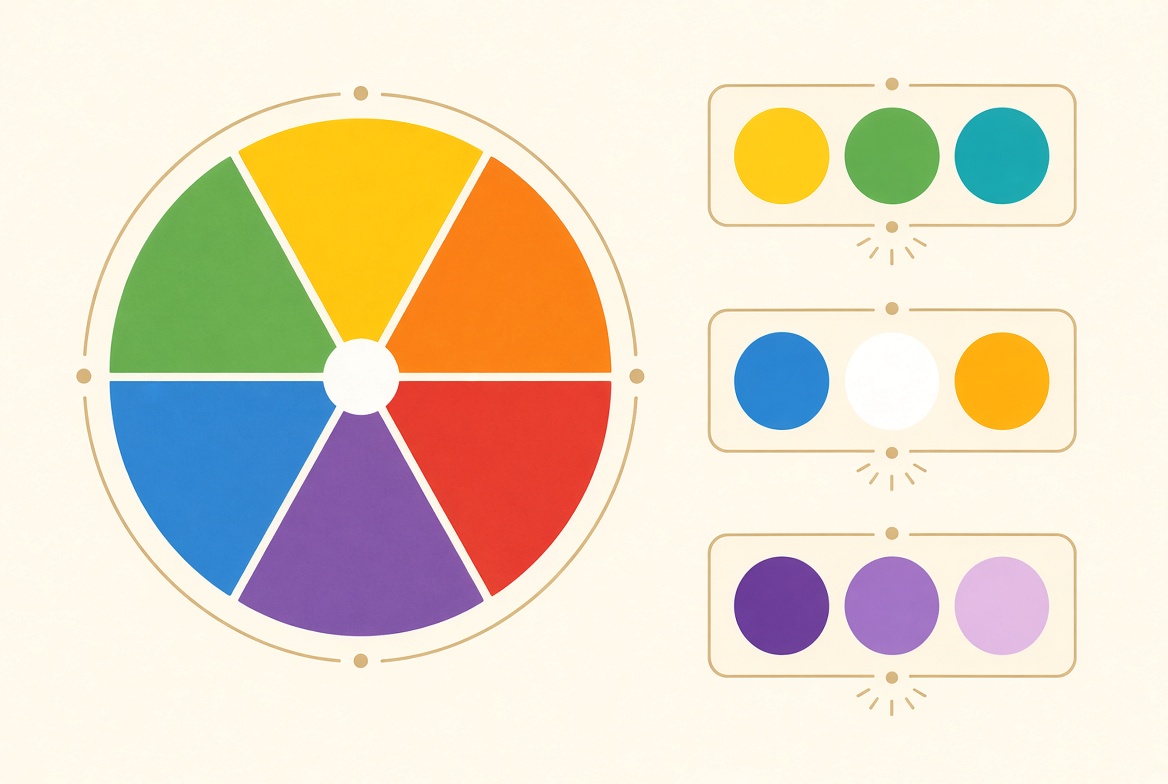
Primary colors are red, yellow, and blue. Mix them and you get the secondary colors: orange, green, and purple. Colors opposite each other on the wheel are complementary — they pop. Colors beside each other are analogous — they feel calm.
Playground
Change the colors, the headline, and the type size. Watch how contrast and hierarchy change the feeling.
Typography
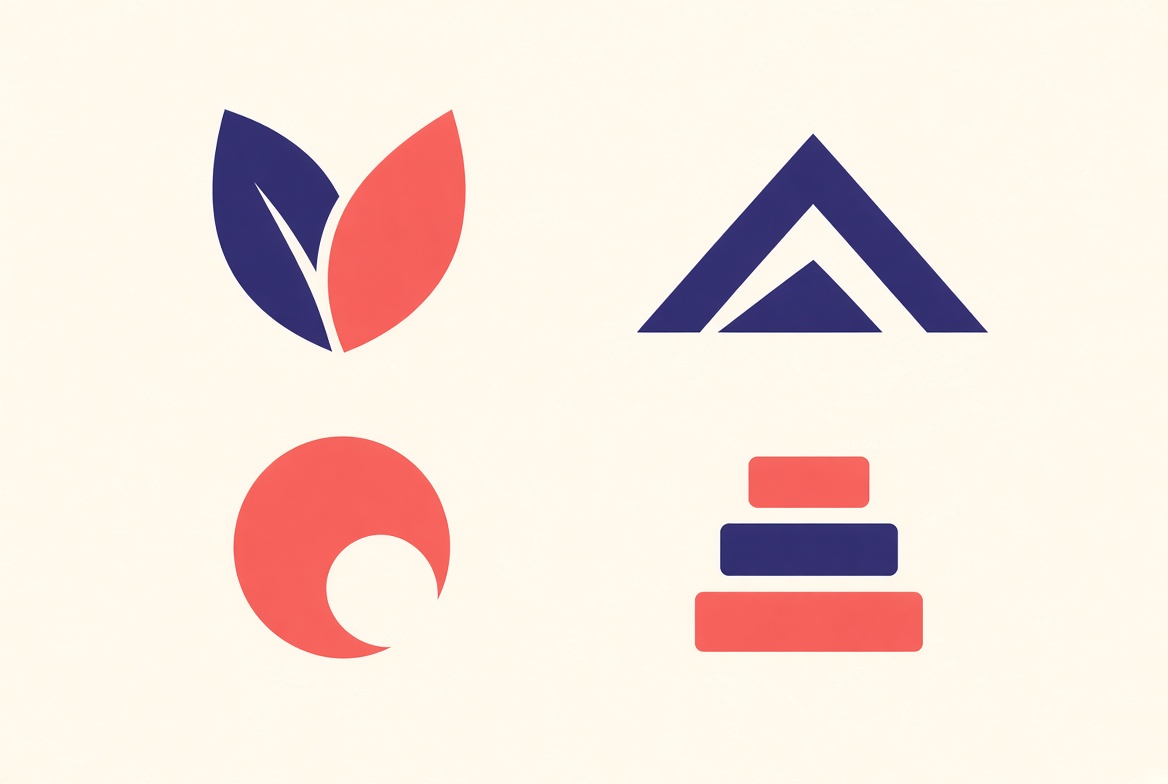
Typography is the design of letters. A poster usually needs only two roles: a display face for the title, and a simple face for the details. Keep line length short, and do not use five fonts when two will do.
Body text stays quieter so the title can lead. Alignment and spacing matter as much as the font name.
Gallery
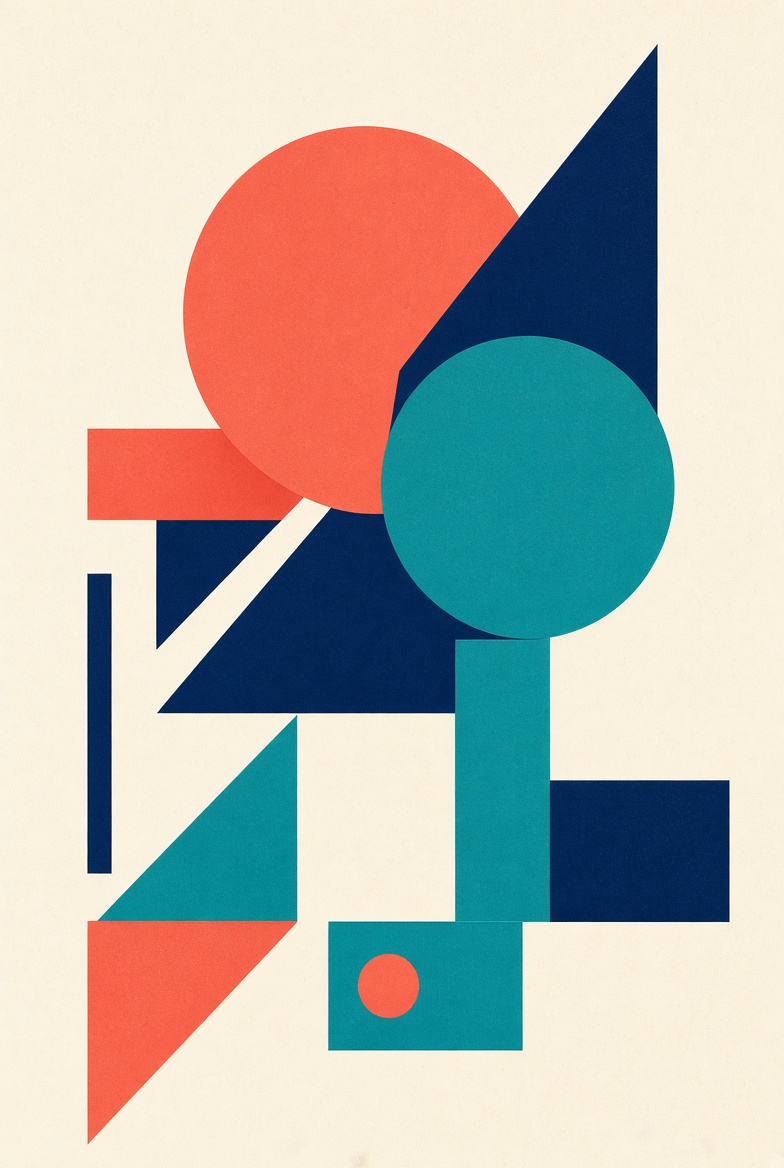
A circle, a triangle, and a bar can become a poster if you change their size and let them overlap.
Three colors plus cream is plenty. A limit forces clearer choices.
Practice
One headline, the date, the place, and a single shape. Nothing else until those four are clear.
Draw your initials with two colors and one shape. It should still read when it is the size of a coin.
Pick a photo you like, pull five colors from it, and name the set. That becomes your next poster palette.
Paper and pencil still count. On a computer, free starters include Photopea in the browser, Inkscape for vector shapes, and GIMP for photo edits. Canva is useful for layouts once you already know what you want to say. The tool does not make the design — the choices do.